Who and Eye: on-device speaker diarization and image classification
Daniel Duke · 6 min read
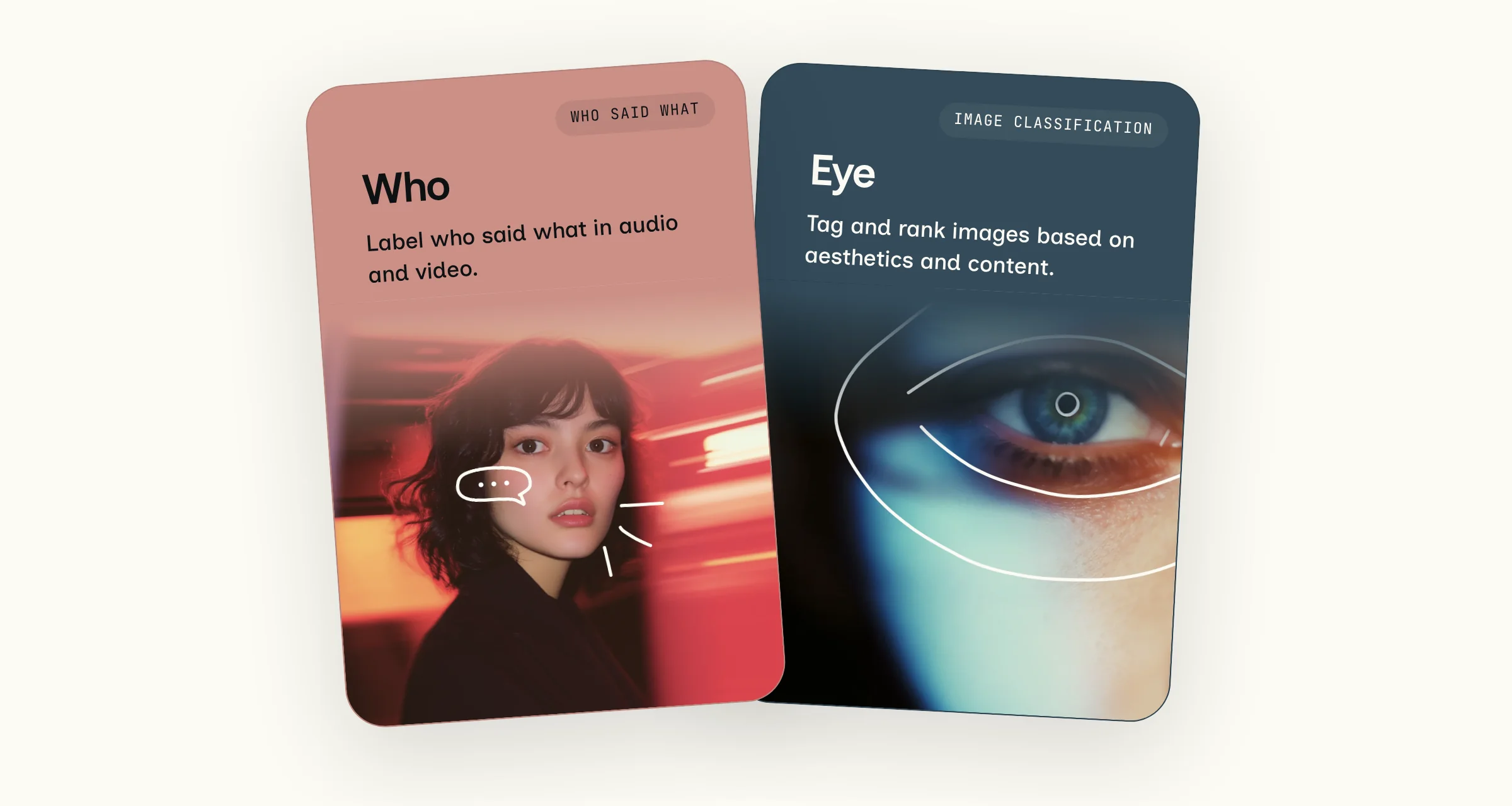
Today, we're introducing two new models: Who for speaker diarization and Eye for image classification. Who labels who said what in a podcast, interview, call or meeting, and marks when each person starts and stops talking. Eye tags and ranks images, so you can sort a camera roll, keep the best shot from a burst, or hide sensitive photos. Both models run on Android, Linux, Windows, iPhone and Mac, and Eye runs in the browser too, all in version 4.0 of our SDK.
Like all Desert Ant models, Who and Eye run entirely on device, so there's no need to upload recordings or images and no cloud bill. On a MacBook Pro with the M5 Pro, Who labels the speakers in a 50-minute interview in 3s. On a Mac with an M6, Eye tags 10,000 photos in under a minute. Neither model needs a GPU. On the CPU alone, Who labels 9 hours of audio in 191s on a 24-core AMD server.
Speaker diarization with Who
Who works on recordings of any length and gives you a timestamp each time someone starts or stops talking. Use the timestamps to label a transcript by speaker, jump to the next time a guest talks, or auto edit audio and video. Pair Who with Voz, our speech-to-text model, to add speaker labels to each line of a transcript.
0:00
28s of Houston We Have a Podcast, episode 416, with four of the hosts trading turns. Who labeled the 57-minute episode in 6.4s on an M5 MacBook Pro, including decoding the MP3. Voz transcribed the audio, and the speaker on each line comes from Who's turns. Audio: NASA.
Speakers are assigned a number in the order they first speak, not a name. When two people talk at once, Who marks them both. If you want to leave out audience laughter or background voices, you can set Who to drop anyone who speaks for less than 5% of the recording.
As accurate as pyannote on meetings, fast on device
On AMI meeting recordings, Who labels speakers with a 12.6% error rate, against 13.1% for pyannote on a server GPU and 19.4% for FluidAudio on the same Mac. Lower is better. We ran pyannote and FluidAudio ourselves, on the same recordings with the same scoring.
Test set
Who
pyannote
FluidAudio
AMI meetings
12.6%
13.1%
19.4%
NOTSOFAR-1 meetings, up to 4 speakers
16.2%
18.7%
32.7%
VoxConverse, up to 4 speakers
8.4%
7.3%
9.6%
DiPCo dinner parties
41.1%
33.4%
42.7%
Earnings-21 calls
27.7%
7.3%
12.0%
Error rate by test set, lower is better. Who leads on the two meeting sets, and pyannote on the other three, including earnings calls with up to 20 speakers.
Who runs at 950x realtime on a MacBook Pro with the M5 Pro, 2.1x faster than FluidAudio. On Android, Linux and Windows, Who runs on the CPU, three to seven times slower than on the Neural Engine.
You'll get the best results on close-miked audio, such as podcasts, interviews and remote calls where each person has their own microphone. The Who model page includes download sizes, memory use and more benchmarks.
Photo and video classification with Eye
Eye tags every photo by what it is and what's in it, from screenshots and receipts to 558 scenes, like dogs, beaches, food, cars and mountains. Eye also flags the shots where someone's eyes are closed and the photos too sensitive to show.
If you have a set of near-duplicate shots in a burst, Eye picks the one where no one's eyes are closed and the faces look best. Forty takes of the same moment become one keeper.
0:00
Eye flags closed eyes in 7 of 12 frames and picks frame 10 as the keeper. The frames come from a Pexels video, one every 0.8s.
Use Eye to sort a camera roll into real photos, screenshots, receipts and documents. After a trip, turn the photos into an album: drop the duplicates, keep the best shot of each moment, and group the rest by scene, like beaches or mountains. Blur explicit or medical photos in a shared family album before anyone sees them. Search a library for the dog or the car in a web app or a Node backend, with no cloud vision API.
0:00
Eye sorts 47 photos by type and by scene, then keeps the better shot of each near-duplicate pair. Photos from Unsplash and our team, with personal details blurred.
Eye can also pick the best frame of a video, or the best square or widescreen crop of a photo, for a YouTube thumbnail or a share card.
Analyses are saved as identical JSON in Swift, Kotlin and JavaScript, so an app can store the results and filter later without loading the model.
Tag a photo in 5.5ms
Every tag comes with a confidence score from 0 to 1, and 0.5 or more counts as a match. At that cutoff, Eye is right 98% of the time on screenshots, 100% on receipts, 95% on people and 92% on closed eyes. Keep or delete tags, like forgettable or bad framing, are the least reliable, so use them for suggestions and a stricter 0.9 cutoff for automatic actions.
On an M6 Mac, Eye tags a photo in 5.5ms on the Neural Engine and in 41ms with WebGPU in Chrome. The download is 48MB on Apple platforms, and 66MB on Android, Linux, Windows, Node and the browser.
Runtime
Time per photo
Core ML, Neural Engine
5.5ms
LiteRT, GPU (Metal)
30ms
LiteRT.js, WebGPU, in Chrome
41ms
LiteRT, CPU, 4 threads
49ms
LiteRT.js, WebAssembly with threads, in Chrome
176ms
Time to analyze one photo on an M6 Mac, by runtime. Lower is faster.
Eye is trained on photos, so scores for illustrations, screenshots and heavily edited images are less reliable. Face analysis describes a face and can't identify who someone is.
Try Who and Eye in your own products
Who and Eye run on Android, Linux, Windows, iPhone and Mac, and Eye runs in the browser and Node too. You'll find Who in our Swift and Kotlin SDKs, and Eye in those and the JavaScript SDK. Update to version 4.0 to get both. The Who and Eye model pages have the full specs and code to get started.