33 hours of conference talks, transcribed in six minutes
Daniel Duke · 5 min read
The Things Conference transcribed every recorded talk of its 2026 edition with Voz on a single MacBook Air. Voz transcribed 116 talks, 32.7 hours of audio, in 5.7 minutes. That's 343x realtime, without uploading any of the recordings.
The Things Conference is the yearly IoT conference of The Things Industries, the company behind The Things Stack and The Things Network. On September 22 and 23 this year, thousands of developers, integrators, and product teams came together with the companies whose hardware and networks they build on.
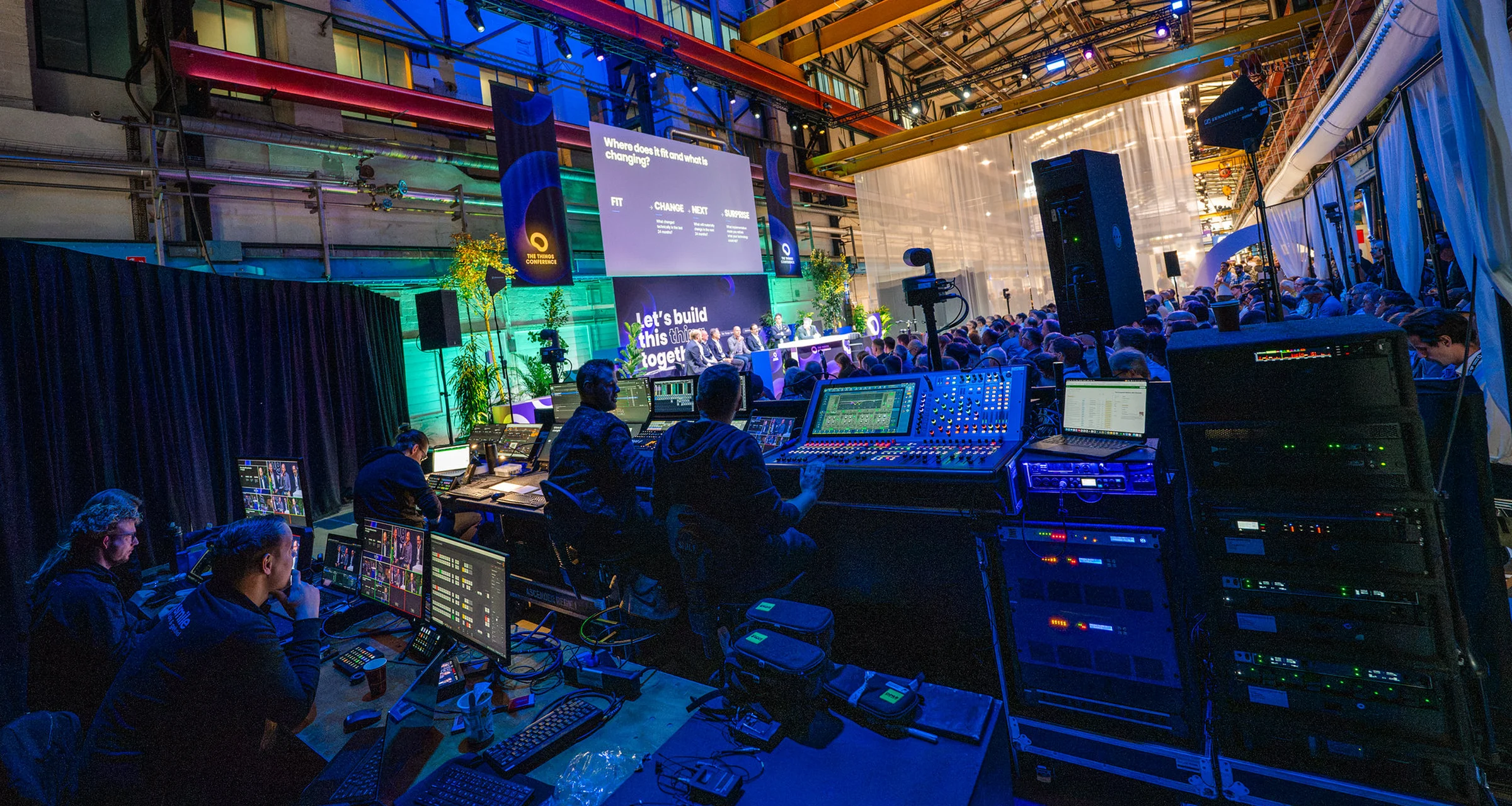
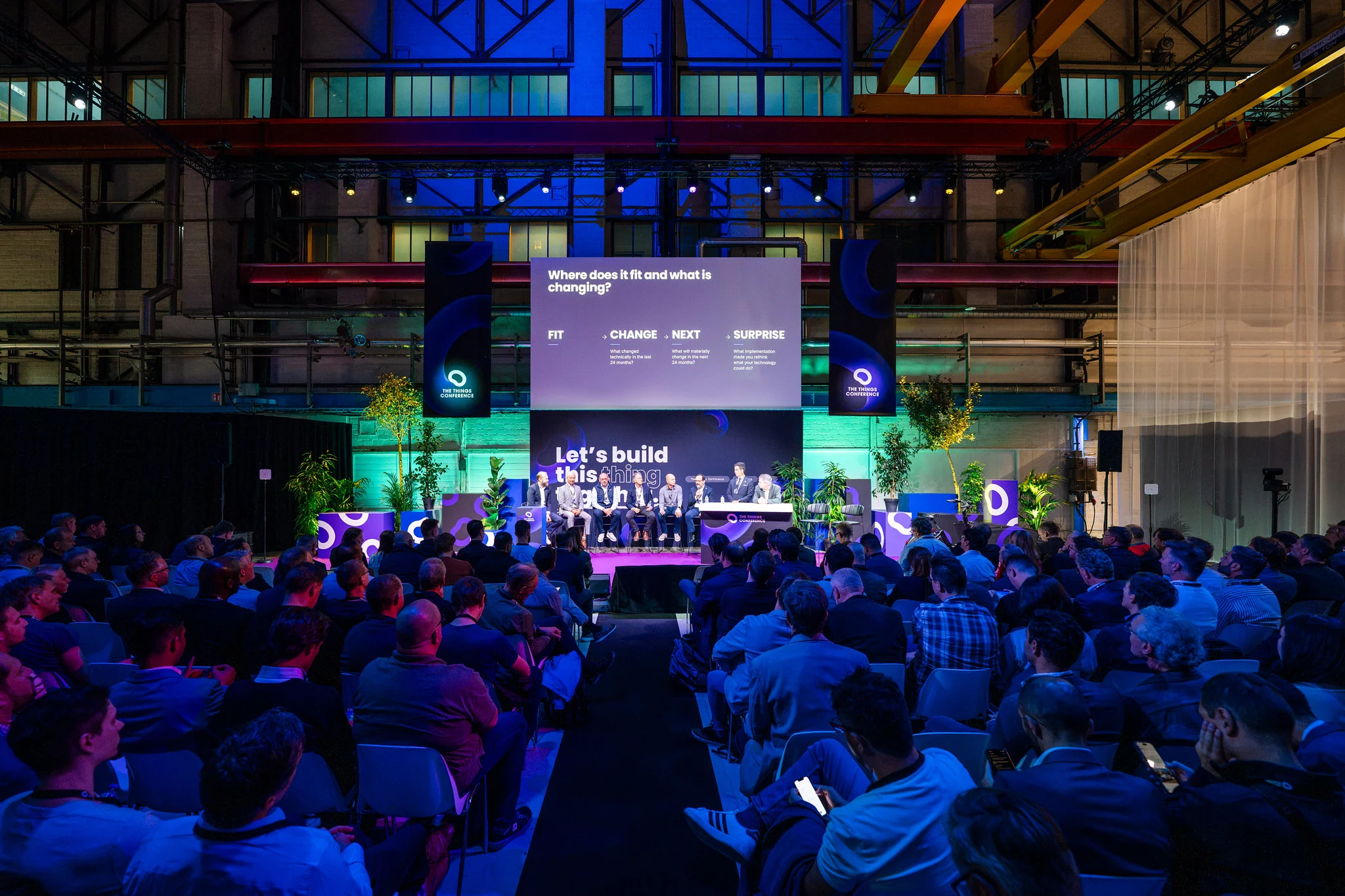
The conference ran 190 sessions across four stages at De Kromhouthal in Amsterdam: the Theater main stage, two Forums, and the Demo Stage.
The Theater main stage at The Things Conference 2026. Photo: Rebekka Mell.
The team filmed 116 talks over two days, and the 145 speakers wanted their videos back while the conference was still fresh. For each recording, the team needed a transcript they could read, search, and quote, with a timestamp on every word, so they could automate the rest of the work.
"Our speakers put a lot into their talks, and they want them back while the conference is still on everyone's mind. With every talk transcribed the day after the conference, we could spend our time on what speakers actually receive: their video, a clip to share and an overview of what they said."
Abby Lin, Program Manager, The Things Industries
The pipeline: local models + cloud compute
The team ran Voz on each video file with the Desert Ant CLI. With one command, Voz transcribes each talk into sentences, captions, and a timestamp on every word.
0:00
A 30-minute Demo Stage talk, transcribed in 4.8s on the MacBook Air at 375x realtime. The recording plays at real speed. Voz loads once, in 1.4s.
The team cut clips using the word timestamps from Voz, so every clip starts and ends on a whole word. Voz also wrote the captions for each clip, timed to the same words.
0:00
Voz writes SRT captions for a clip of the opening keynote, straight from the video file, in standard format and ready to publish.
Then they used our audio enhancement model, Clear, to clean up the stage audio of the 78 Demo Stage and Forum talks and turn them into podcast-ready audio.
With every talk transcribed, Claude wrote a two-page overview for each speaker. Each quote in an overview has a timestamp, so the team could check if it was accurate before sharing it with the speaker.
Step
Model
Output
Transcription
Voz
Transcripts, captions, and word timestamps
Audio cleanup
Clear
Podcast-ready audio for 78 talks
Clips
Voz
Three shorts, a 3-minute cut, and a 1-minute cut per talk
Overviews
Claude
A two-page overview per talk
Voz and Clear ran on a laptop, so the team didn't upload any of the 32.7 hours of recordings to the cloud. Only the transcripts went to Claude to write the overviews. The recordings, with speakers' customers, prototypes, and numbers in them, stayed on that laptop until each speaker had seen and signed off on their video.
The results: 116 talks in 5.7 minutes
Run
Audio
Time
Speed
One Demo Stage talk
30 minutes
4.8s
375x realtime
Eight talks in one run
3h 45m
41.6s
325x realtime
All 116 talks
32.7 hours
5.7 minutes
343x realtime
The Things Conference measured these runs on a MacBook Air with an M4 chip and 32GB of memory. The single talk and the full set are Voz processing time. The eight-talk run is wall-clock time for the whole batch, with the model load included.
0:00
Eight talks, 3h 45m of audio, transcribed in 41.6s in one run. Voz loads once, then each talk takes a few seconds.
Speakers said 320,000 words over the two days, 2,750 per talk on average, and every word has a timestamp. With no per-minute bill and no queue, a talk took seconds to transcribe, so whenever the team needed to fix something, they simply ran it through Voz again.
Every speaker received their talk and a one-minute clip within a week of the conference.
"I am excited to see my team use local models to process all the talks this fast. I very much love the vision of Desert Ant Labs. Generative AI and ML are going to be both centralized and decentralized. The brute-force way we are using LLM-based AI now is not economically optimized, and the future is going to be hybrid AI architectures with cloud and on-device inferencing. For me this feels like the start of something, and I'm looking forward to all the future models Desert Ant Labs is going to deliver."
Wienke Giezeman, CEO and Co-founder, The Things Industries
Voz on your Mac
You can transcribe your own recordings with the Desert Ant CLI. Voz in the CLI runs on Macs with Apple silicon.
Install the CLI with Homebrew:
brew install desert-ant-labs/tap/desertant
Transcribe a recording, with the time in front of each sentence:
da voz your-recording.m4a -t
Write a caption file next to the recording:
da voz your-recording.m4a --srt
To add Voz to your own app, use our Swift or JavaScript SDK. Once the SDK downloads the weights, transcription makes no network call.
Building something cool with our models, or want to build them with us? Get in touch.